0.9.73
- systems
- Mac and Windows, one package
- requires
- After Effects 2025+, Claude Pro or Max account, internet on first launch
- package
- signed .zxp + PT/EN manuals
- updates
- the panel tells you when a new version is out
Animation DIRector · After Effects
An AI animation director inside After Effects. Ask by text or voice and it builds, animates and checks the comp in your project.
Two minutes: from a written request to a comp that is built, animated and checked.
The full workflow, narrated, with clickable chapters. More tutorials and quick tips are on the tutorials page.
The full tutorial: Adir directing a campaign from start to finish.
Northwind is a fictional brand created for the demo. Maps © OpenStreetMap contributors.
Adir is a native panel. It reads the open comp, builds the layers, renders and shows the result right in the panel.
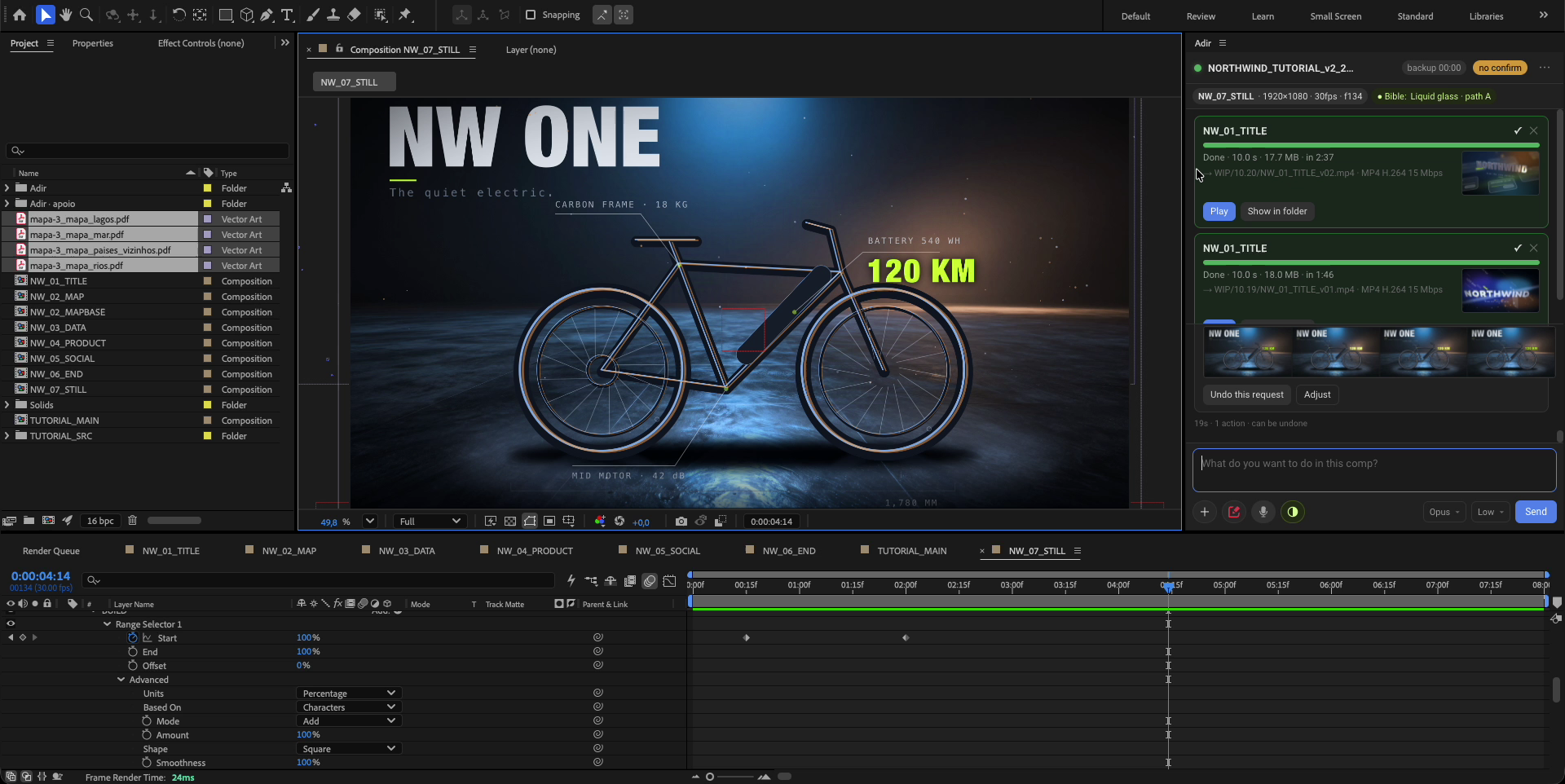
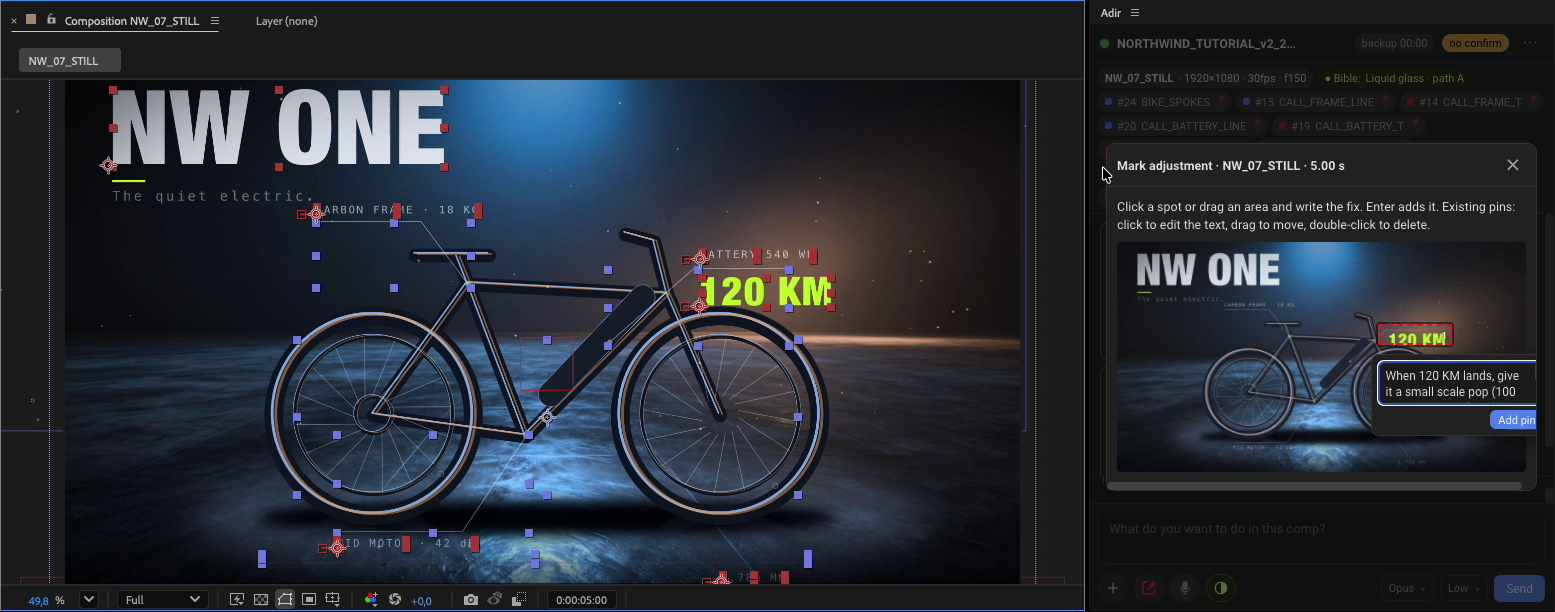
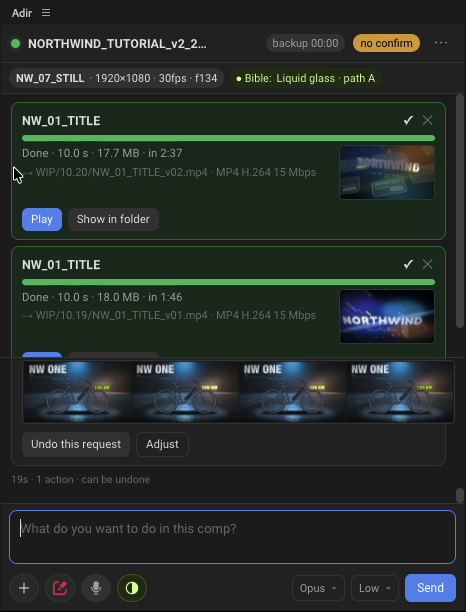
Watch: Getting started (2:25) ›
After Effects 2025 or newer · Claude Pro or Max account · internet on first launch
Optional but recommended: the Claude desktop app. Adir works without it, but it makes it easier to sign in, turn on the creative connectors (Higgsfield, Kling) and talk about the project outside After Effects.
Optional: a ChatGPT account (Plus or higher) to use ChatGPT as the engine instead of Claude.
Anonymous usage statistics: when checking for updates, Adir reports its version, the system, the engine, the After Effects version and a random install code, with no name, email, account or projects. To turn it off: Settings › Advanced.
Adir-<version>.zxp in ZXP Installer, or drag the file onto it.Windows, version 0.9.54: its update button does not open the link. Download the new version from this page once; after that the button works.
Component install failed? Check your internet connection and click Try again. If a company network blocks the download, install Node.js LTS manually and reopen the panel. For anything else, use ⋯ › Diagnostics in the panel and send me the text.